
Export and convert a project
Save the latest PDF, package editable source, export page images or HTML, write PDF/A and PDF/UA from Typst, or convert a LaTeX, Typst, or Markdown document.
Dieser Inhalt ist noch nicht in deiner Sprache verfügbar.
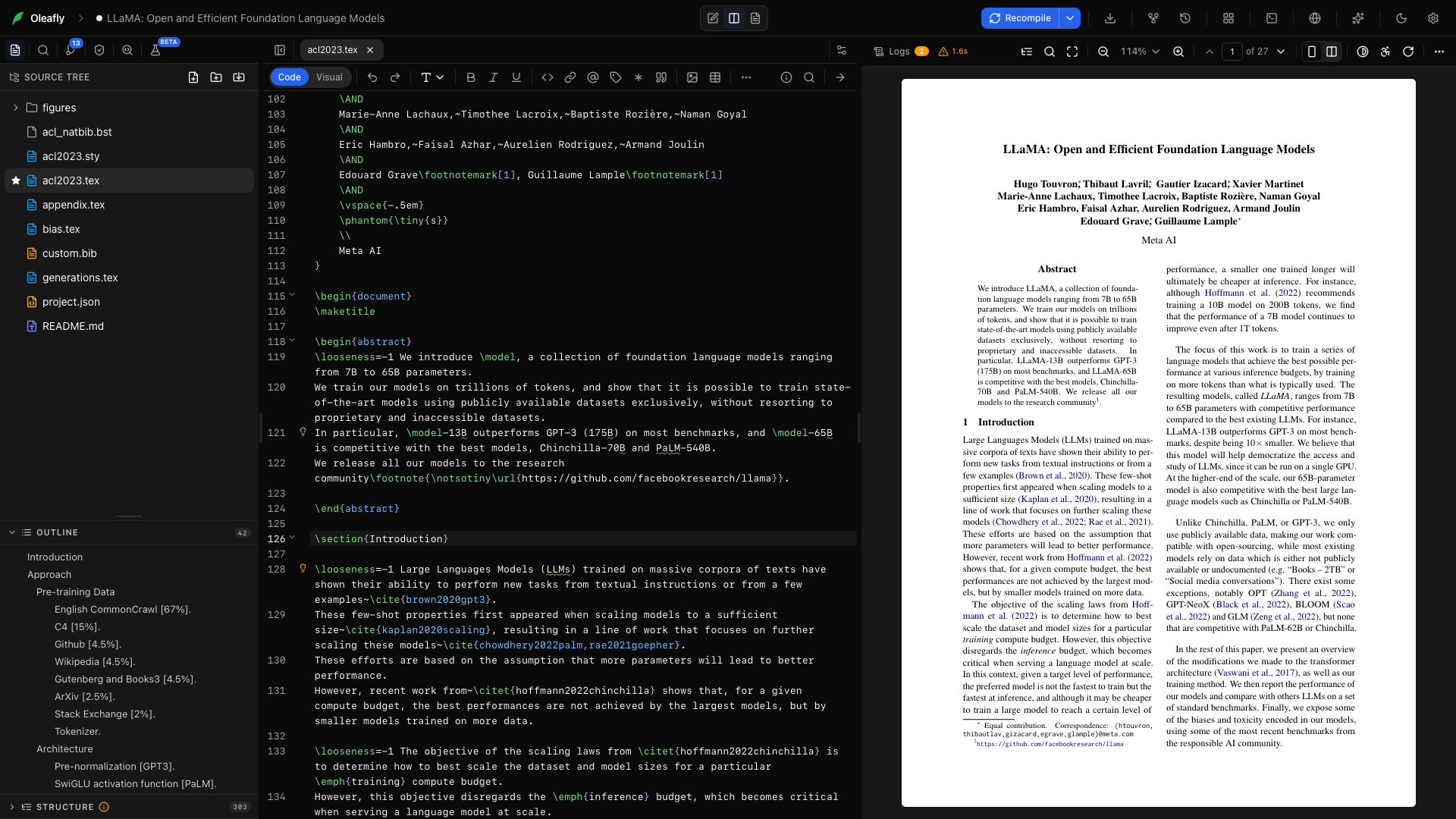
Open Export in the project toolbar. The menu follows the current document engine and type, so it only shows routes Oleafly can run for that project.
Pick the output your recipient needs
Section titled “Pick the output your recipient needs”- PDF is for reading, printing, and most submission portals.
- Source ZIP is for co-authors or systems that need the manuscript, figures, bibliography, and local styles.
- Page PNG is for a slide, message, or review system that expects an image.
- PNG, SVG, or HTML written by Typst is for Typst projects that need every page as an image, vector pages, or a web page.
- Word, HTML, Markdown, Typst, LaTeX, or plain text is for someone who needs to edit or reuse the content in another format.
- PowerPoint is for turning a presentation or a Markdown document into slides. EPUB is for an e-book reader. Which ones appear depends on the engine. See Presentation and book exports.
Save a PDF, source archive, or page image
Section titled “Save a PDF, source archive, or page image”- Choose Recompile so the output includes your latest edits.
- Inspect the PDF, including the final pages and bibliography.
- Open Export.
- Choose Export as PDF, Export source (.zip), or Export page as PNG.
- Pick a destination in the save dialog.
- Use View File in the completion message to inspect the saved result.
PDF and page-image actions stay disabled until the project has compiled successfully. Export page as PNG renders the current PDF page at high resolution. A source archive excludes build caches and Git internals.
Typst images and HTML
Section titled “Typst images and HTML”A Typst project’s Export menu also has Images and HTML, which opens Export with Typst. Typst draws these files itself, so PNG and SVG pages look exactly like the PDF.
- PNG images take a Resolution of 72, 144, 300, or 600 PPI.
- SVG images keep pages as vector graphics.
- HTML is marked Experimental, because Typst’s HTML export leaves out page setup and placed elements.
For PNG and SVG, Pages takes page numbers and ranges such as 1, 3-5 or 8-. Leave it empty for every page. Each page is saved as its own file, numbered after the name you pick. Page ranges need Typst 0.12 or later, and HTML needs Typst 0.13 or later. The dialog only offers what the project’s Typst version can do. If the project has build variants, the export uses the one selected in the compile menu.
PDF/A and PDF/UA from Typst
Section titled “PDF/A and PDF/UA from Typst”Typst writes archival and accessible PDFs itself. Open the shield in the project rail for Preflight, and find PDF standards under the Accessibility check. Pick a Standard, such as PDF/A-2b or PDF/UA-1, then choose Export PDF.
The list depends on the project’s Typst version. Typst 0.11 has none, Typst 0.12 offers PDF/A-2b, Typst 0.13 adds PDF/A-3b, and Typst 0.14 and later offer every PDF/A level plus PDF/UA-1. Typst 0.14 and later also tag every PDF for screen readers, so there is no separate tagged compile. PDF/UA-1 needs a document title and alternative text for every image, and Preflight checks both.
Editable formats
Section titled “Editable formats”| Project engine | Formats in Export |
|---|---|
| LaTeX | Word, self-contained HTML with MathML, Markdown, Typst, and plain text |
| Typst | LaTeX, Word, self-contained HTML with MathML, Markdown, and plain text |
| Markdown | Word, self-contained HTML with MathML, Typst, LaTeX, and plain text |
A Typst project also offers EPUB, and a Markdown project offers PowerPoint and EPUB. A LaTeX project offers them only for a matching document class.
These conversions run locally through Pandoc. Oleafly uses a compatible installation on your computer or downloads a verified managed build the first time it is needed.
Typst projects take a different route. On Typst 0.13 or later, Typst first writes the document as HTML, and Pandoc turns that HTML into Word, HTML, Markdown, LaTeX, plain text, or EPUB, so equations and references come through. On Typst 0.11 or 0.12, or when Typst can’t write the HTML, Pandoc reads the Typst source directly instead.
Convert a document
Section titled “Convert a document”- Compile once and fix any source errors.
- Open Export and choose the target format.
- Complete Pandoc setup if prompted.
- Save the converted file with the suggested extension.
- Open it in the destination app and check its structure and appearance.
For a quick test, export a short section that contains a heading, equation, table, image, and citation. If those five elements survive well, convert the full manuscript and review it again.
To turn a whole LaTeX project into a Typst project you keep working in, use Convert to a Typst project instead. It creates a new project and reports what needs attention.
What conversion preserves
Section titled “What conversion preserves”Pandoc aims to preserve headings, paragraphs, lists, links, citations, tables, images, and editable math. It cannot reproduce every source-language feature in every target. Check these areas closely:
- custom LaTeX commands and environments
- hand-tuned page layout or floats
- complex or nested tables
- bibliography style and citation rendering
- Typst functions with no direct target equivalent
- raw HTML or Markdown extensions
HTML export embeds its resources and writes equations as MathML. That makes it useful for sharing a document that should open on its own, but it is still worth testing in the browsers your readers use.
Presentation and book exports
Section titled “Presentation and book exports”A LaTeX project matches these to its document class. Export as PowerPoint (.pptx) appears for a Beamer presentation, and Export as EPUB (.epub) for the book, report, memoir, scrbook, and scrreprt classes.
Typst and Markdown files have no document class, so these exports don’t depend on the document. A Markdown project always offers both, and a Typst project always offers EPUB. When a Markdown document becomes PowerPoint, each level 1 heading becomes a section slide and each level 2 heading starts a new slide. Every EPUB gets a table of contents.
Use these as editable starting points. Slide composition and book typography rarely map one-to-one between formats, so inspect every slide or chapter in its destination app.
Export a standalone figure
Section titled “Export a standalone figure”A standalone figure project offers Export as PDF (vector image) and Export as PNG after compilation. Choose PDF for sharp lines and text at any scale. Choose PNG when the destination only accepts raster images.
Save output inside the project
Section titled “Save output inside the project”The PDF preview also offers Save PDF to project. This keeps a submission copy or compiled figure beside the source. Add that file to Git history only when you intend to version generated output.
Check before sharing
Section titled “Check before sharing”Run Preflight before a submission. If you need a tagged PDF, follow the accessible-export workflow for LaTeX or pick a PDF/UA standard in a Typst project, then verify the result with an independent PDF/UA checker and a human accessibility review. Preflight checks many useful signals, but it does not certify conformance.